Cart
Your shopping cart is empty! 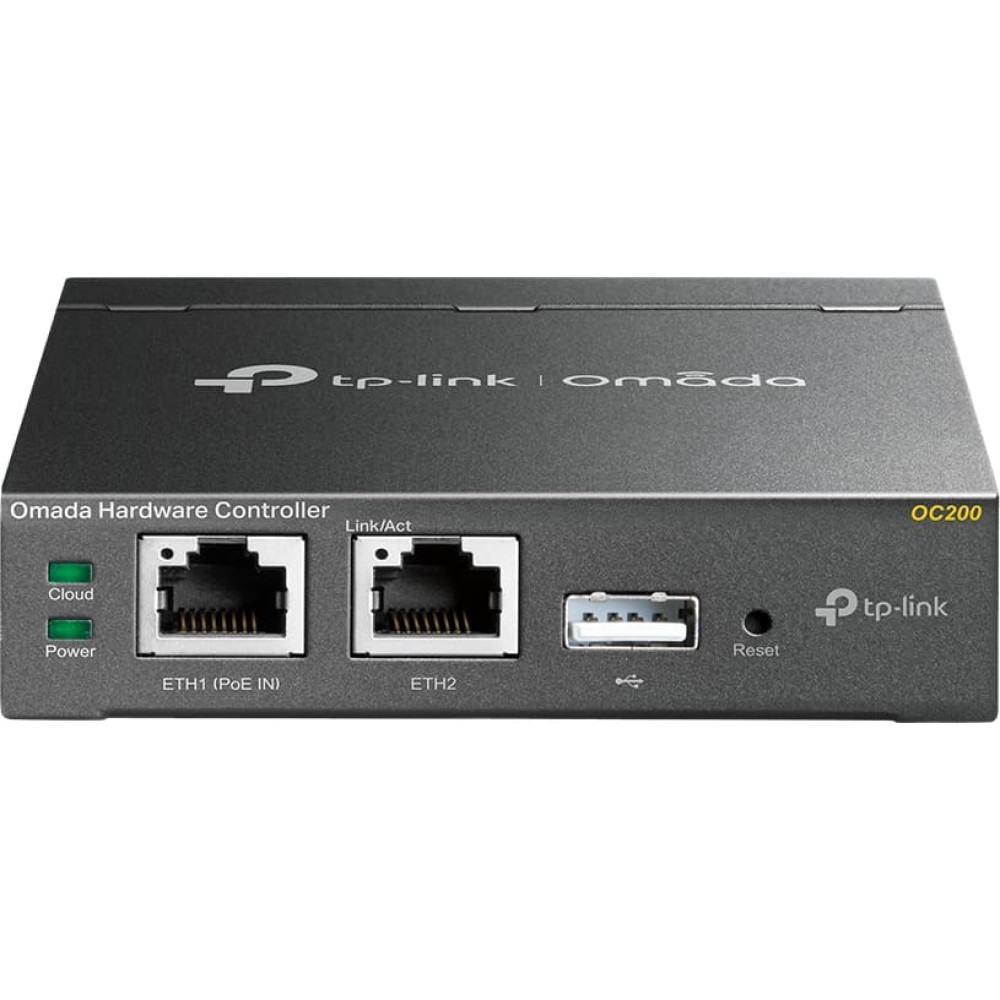
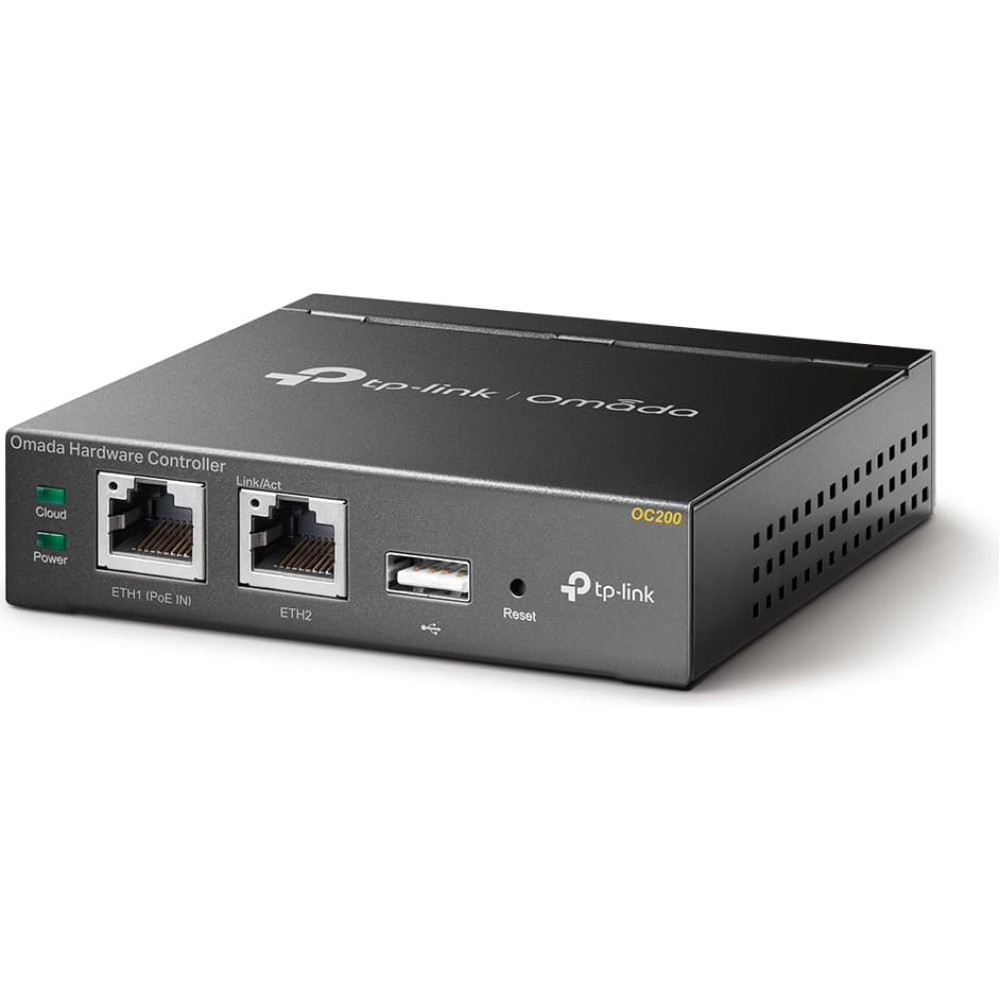
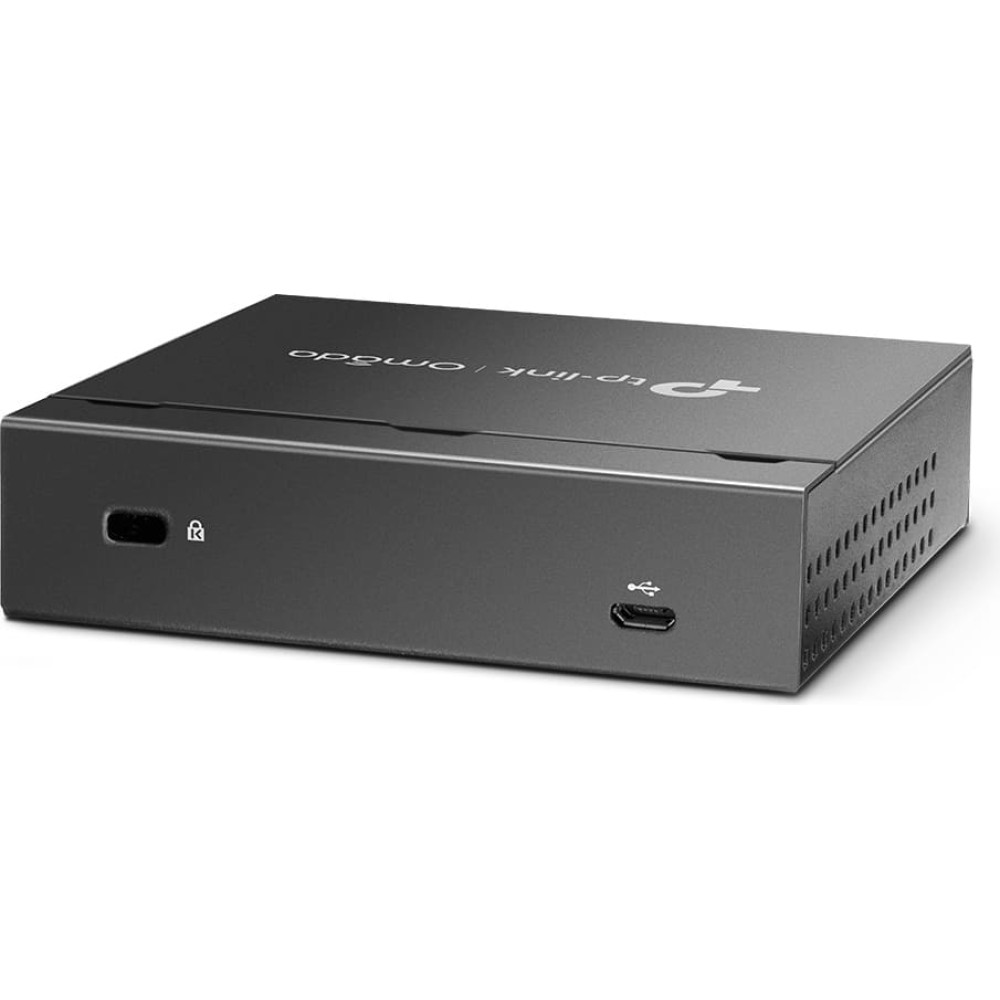
Tp-Link Omada OC200 vārteja/kontrolleris 10, 100 Mbit/s
To purchase this product you must be registered in our system.
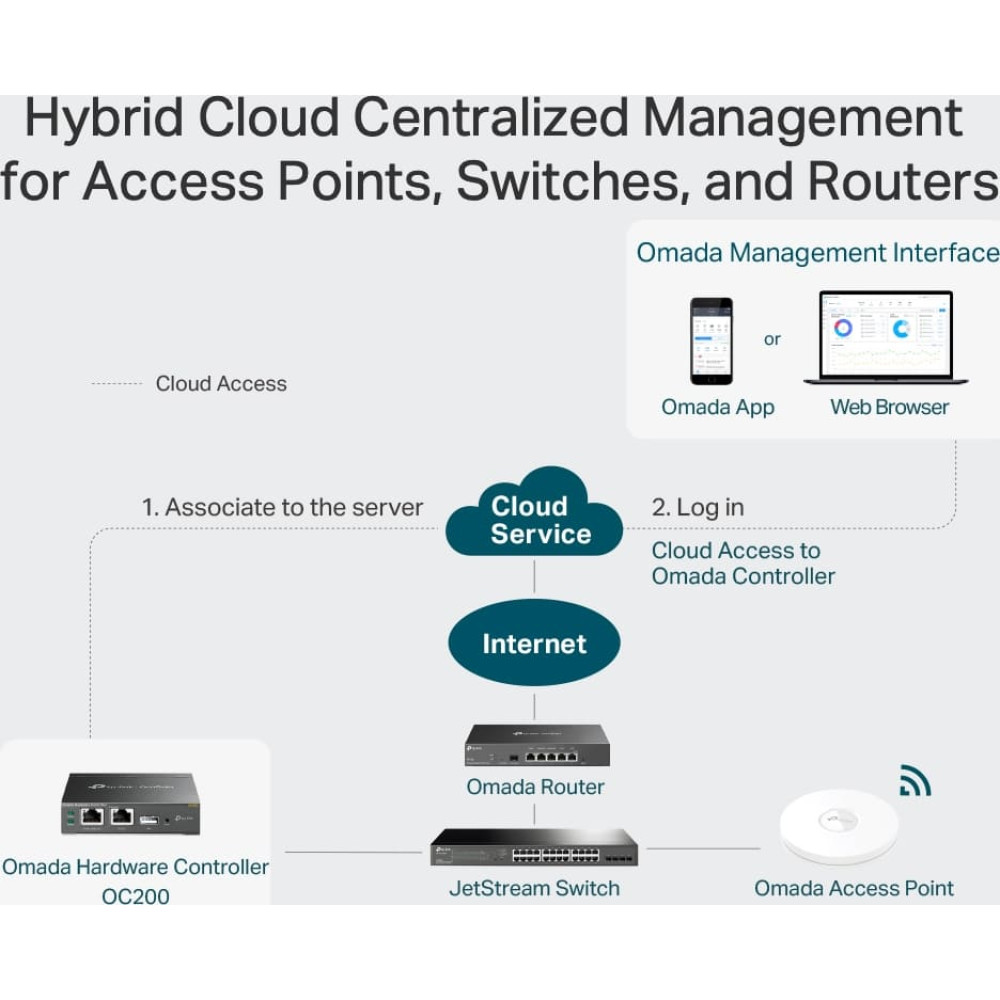
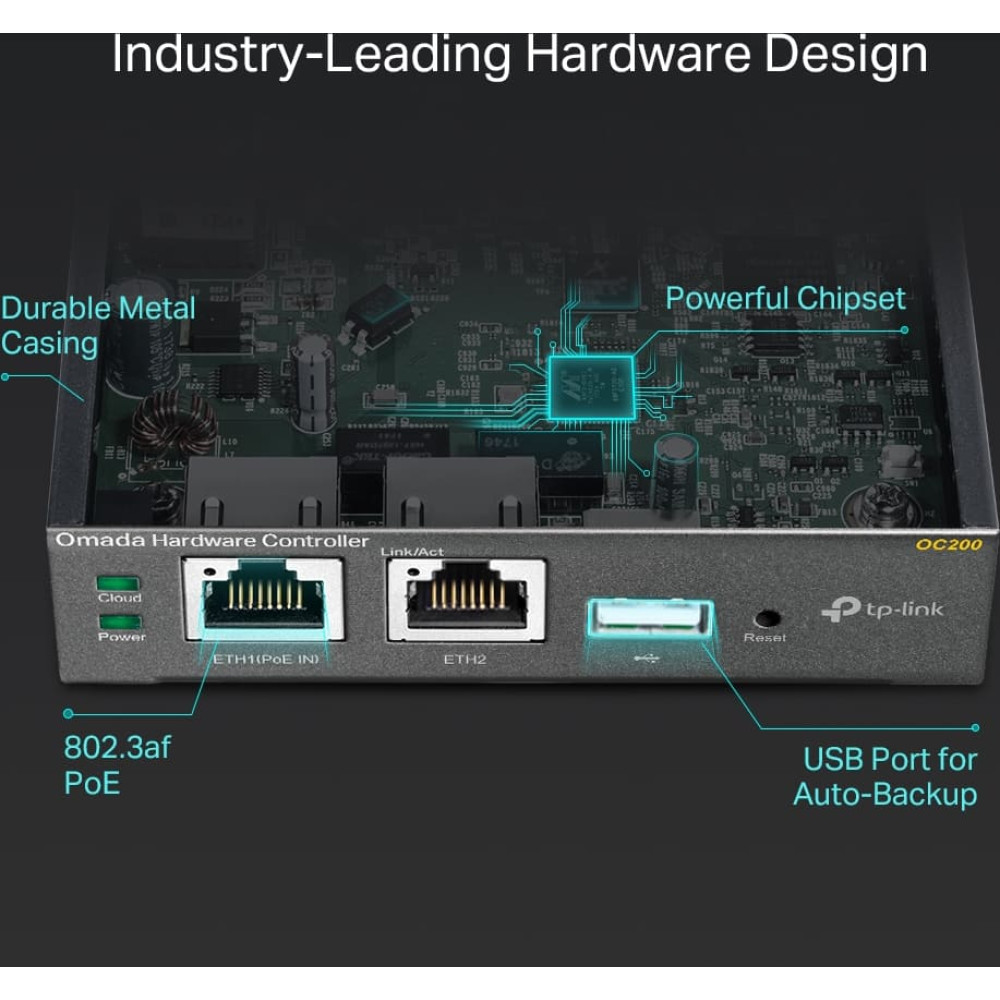
| Centralized Management for Access Points, Switches, and Routers OC200, the professional on-premises hardware controller for the Omada Software Defined Networking (SDN) platform, provides 100% centralized management of Omada access points, Omada switches, and Omada routers—all controlled from a single interface. Hybrid Cloud for Maximum Convenience Featuring hybrid cloud technology, the Omada Hardware Controller OC200 allows you to remotely control the whole network wherever you are in the world with cloud access. Locally manage devices with the ultimate security and stability. Industry-Leading Hardware Design Equipped with an advanced design and the latest chipset, OC200 has enough processing power to support the massive management of your business network. Easy and Intelligent Network Monitoring The easy-to-use dashboard makes it easy to see your real-time network status; check network usage and traffic distribution; receive network condition logs, abnormal event warnings, and notifications; or even track key data for better business results. Network topology helps IT admins quickly see and troubleshoot connections at a glance. WiFi Heatmap Simulator Generate a Wi-Fi solution by simulating the wireless coverage effect of APs in the actual site. Determine the appropriate number and location of APs according to the coverage requirements. Visualizable Network Report for Conveniently Summary Help service providers easily report network service quality to their customers through reports. IT administrators also easily report network operation status through reports. Batch Management, Multi-Site Management, and Remote Firmware Updates Improve network maintenance without needing to configure on-site or manage devices one by one. Powerful Scheduling Maintain your network easily with more agile and effective processing. No manual tasks required. |